
· 2 min read
Your project can't filter out abusers without taking on casualties
Bots get unlimited retries. Real customers get caught in the filters. Fighting abuse means making each form attempt cost the requester more — without penalizing potential customers.
So we've opened up sign-ups to PostShiba outside of biz hours and to keep abuse down I've added a screening that uses a combo of @ExaAILabs and @typesafeai Jev to make sure they are a real person at a real company who has legitimate email reasons to use us. Works well! pic.twitter.com/R3TPspukq1
— ˗ˏˋ Jesse Hanley ˎˊ˗ (@jessethanley) October 13, 2026
That's Jesse Hanley, screening every new PostShiba sign-up with Exa and TypeSafe's Jev to make sure it's a real person at a real company. It works well, he says.
That's not a bad approach at all. But it rests on one quiet assumption: that you're not accepting sign-ups, or contact-form submissions, from free mailboxes like gmail.com.
If you only onboard businesses, you don't need a classification model like Jev
Say that assumption holds. You're onboarding established companies, and a personal Gmail address is a fair thing to turn away. Then you can check something much harder to fake than an email: whether the person actually has a mailbox at the company they claim.
Here's what I'd do, and notice there's no classifier in it:
- Find the company's real mail domain. Take the company name off the form and look it up with a data API like DataForSEO (a search lookup resolves a name to its domain). Now you know real mail at this company lands at
@corporate.com. - Work out what their address would look like. Most companies use one house pattern —
first.last@,flast@,first@. From the name on the form, that's a short list of candidates:nice.try@corporate.com,ntry@corporate.com,nice@corporate.com. - Ask the company's own mail server whether that address exists. A receiving server will tell you, before anyone sends anything, whether it would accept mail for an address. You open the same conversation a sending server opens, introduce yourself, and name the recipient. It answers accept or reject:
$ telnet corporate.com 25
220 mx.corporate.com ESMTP ready
HELO mrnicetry.com
250 mx.corporate.com
MAIL FROM:<hi@mrnicetry.com>
250 OK
RCPT TO:<nice.try@corporate.com>
250 OK                          <- a mailbox is here
RCPT TO:<ntry@corporate.com>
550 5.1.1 No such user          <- this one isn't
QUIT
If none of the candidates exist, the person doesn't have a mailbox at the company they signed up as. Reject. If one does, send a plain verification email to that address and let them click the link. You're done — a real person at a real company, confirmed the boring way. No model, no risk scores, and nothing left for Jev to add: the company's mail server already knew the answer.
Two honest caveats, because real inboxes are messier than the example:
- Catch-all domains accept everything. Plenty of companies say
250 OKto every address at their domain, so a yes can be a false yes. You've confirmed the company, not the person. - Mail servers don't love being probed. Many greylist, rate-limit, or quietly block a sender that opens these conversations and never actually sends. Go slow, do it from an address you don't mind getting flagged, and treat it as one check, not a scraper.
But most of us can't ban Gmail
Here's the catch, and it's the whole post: that approach only works if you're allowed to say "work email only." Most products aren't. Real customers sign up with Gmail, iCloud and Proton every day, and turning them all away to stop bots is taking on casualties — you turn away the customer to catch the bot.
The moment you accept free mailboxes, the company-domain check is gone, and you're back to filtering sign-ups where every one looks real. That's where it gets hard, and where the patient bots live.
Bots are patient
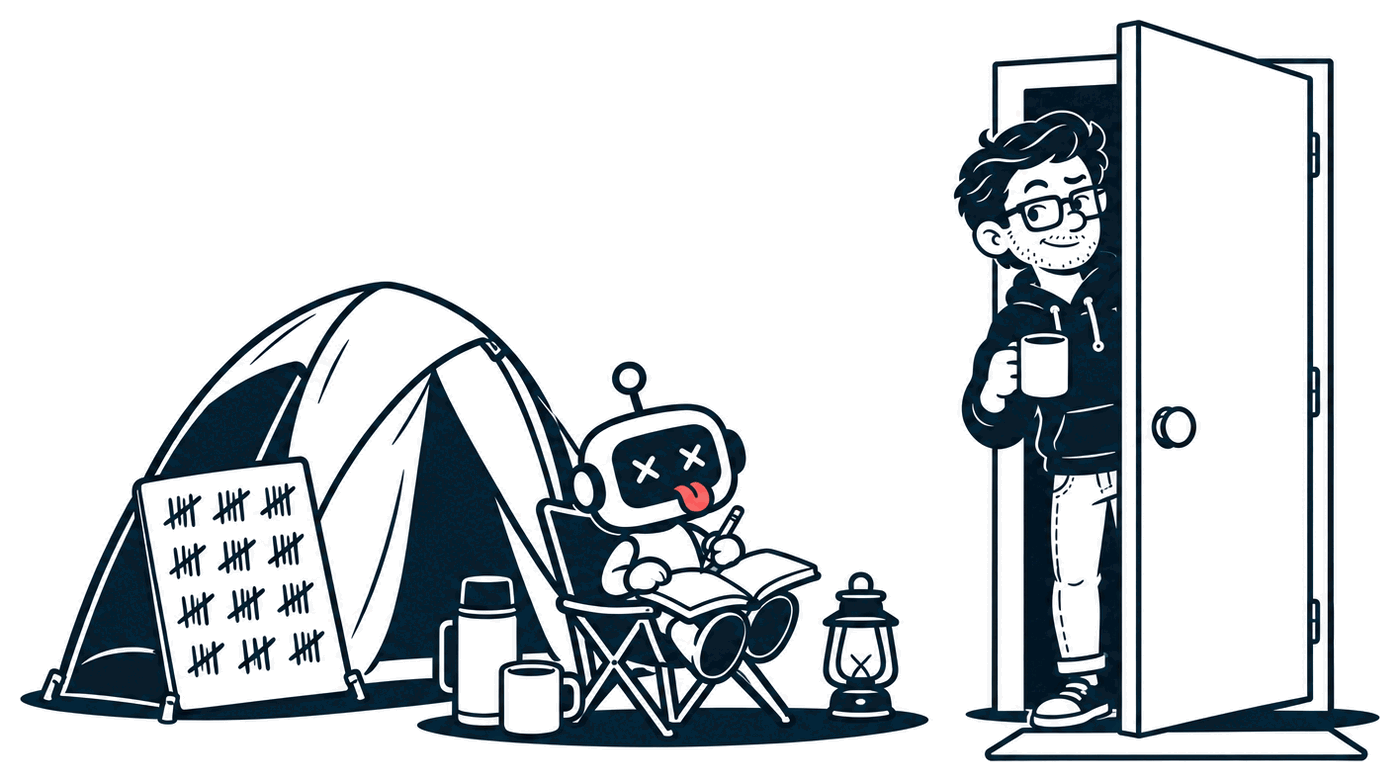
The thing people underestimate about bots isn't how clever they are. It's how patient they are. If what's behind your form is worth enough (and free email sending is worth a lot), they will find a way in. It's only a question of when.
The bots I watch all work the same way:
- Pick a target. A sign-up page, a contact form, a free trial.
- Script the form. A little browser automation that fills it in and presses the button.
- Watch what happens. Did the account get through? Was it blocked? How fast?
- Change one thing and go again.
That's the whole loop. It runs while you sleep, and it never gets bored.
The sign-ups look real
The best ones are good. Real names, matching real phone numbers, matching real addresses. Only the email is fake.
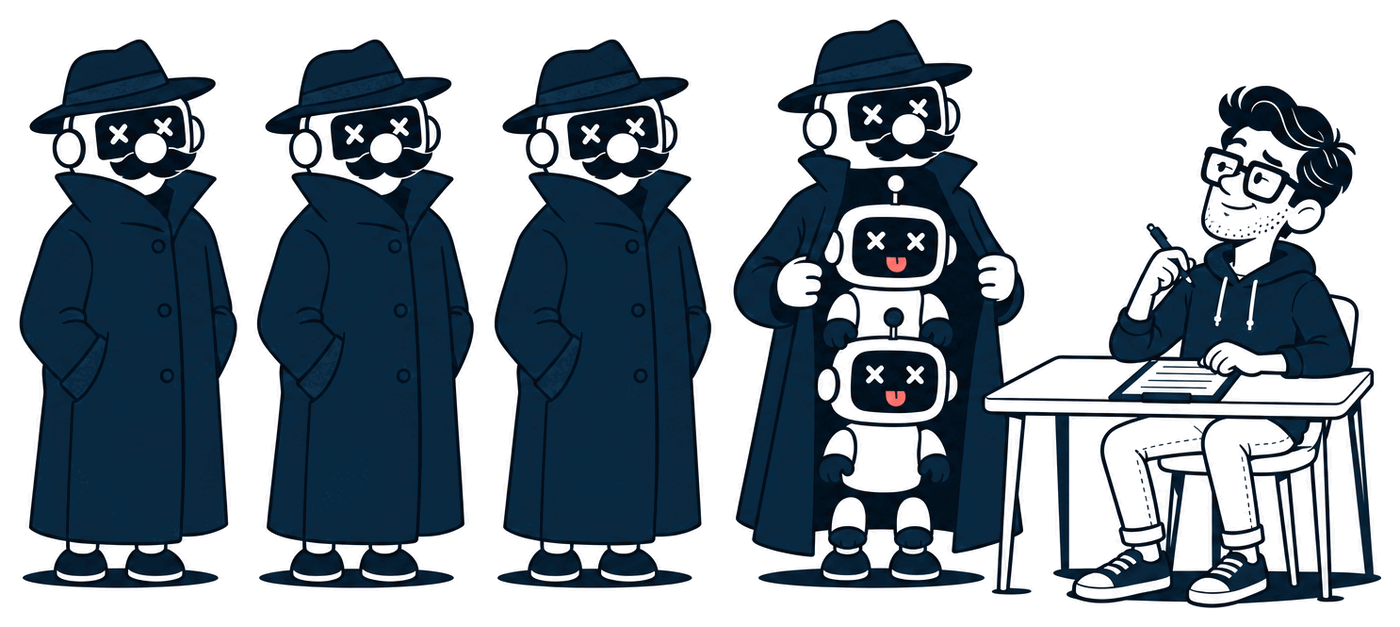
Look at any one of them on its own and it's a person. It's only when you start dealing with sign-ups by the thousand that the pattern shows.
So you start fighting back. Here's the ladder I climbed, one rung at a time.
Rung one: the cheap stuff
These all feel like progress, and they all get beaten fast.
Make them verify their email
Send a code, or a link to click. Surely a bot can't read email?
It can. Bad actors manage inboxes in bulk. I've had bots sign up with hundreds of thousands of unique email addresses, and confirm every one.
Block the email domain
You notice a pile of sign-ups from hotmail.com and think: "who do I even know who has a Hotmail?" So you block it.
Then you get flooded from gmail.com, icloud.com, qq.com, proton.me and yahoo.com. And you can't ban those: that's where your real customers are. You accept you can't block domains.
Block the IP address
All the junk comes from a handful of addresses, so you ban them. Then they start rotating: every sign-up from a fresh address.
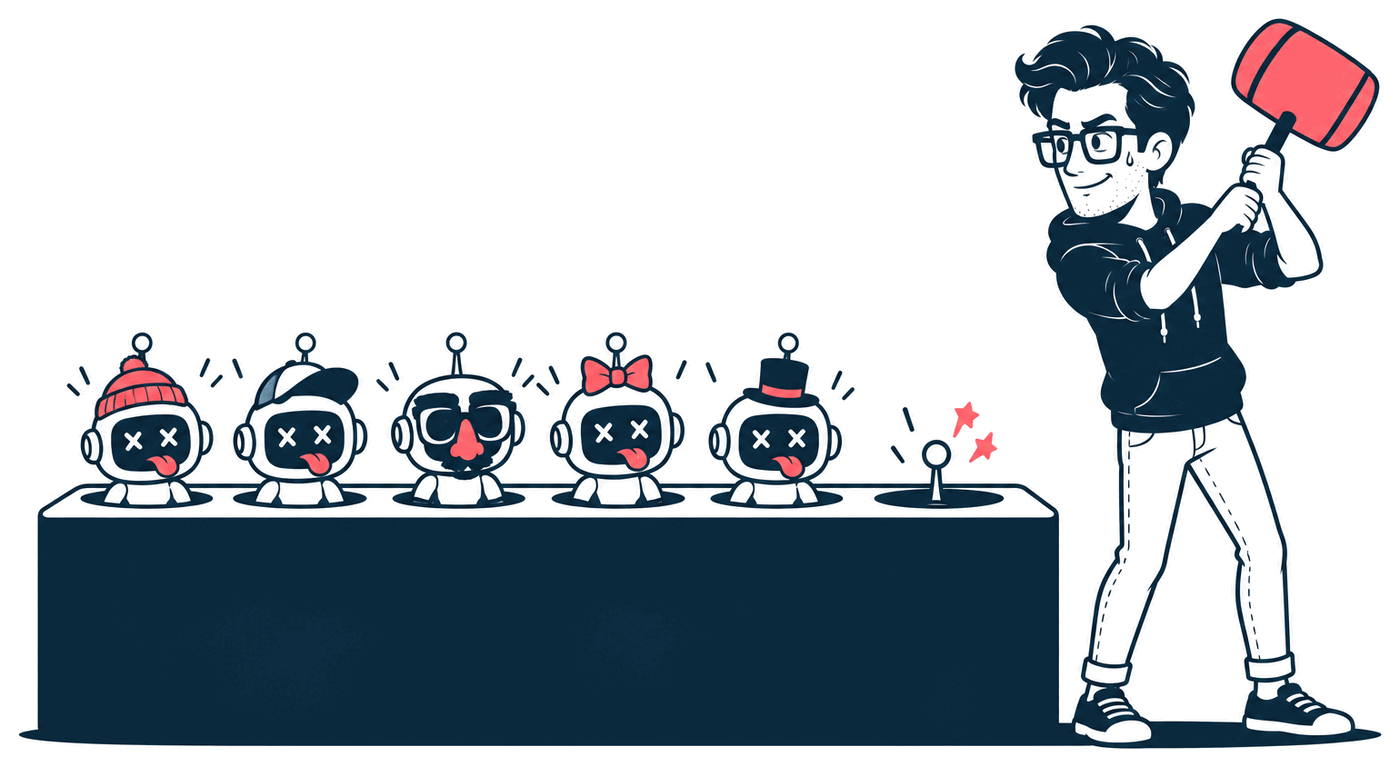
So now you're blocking emails, email patterns, domains and IPs, and they keep coming. What more can you do?
Rung two: better, but now it costs you
Check the browser is a browser
Every request says which browser sent it, in a header called the user agent. Bots lie about it. Plenty of "Chrome" doesn't behave anything like Chrome, and you can catch the ones in costume. (I catch them every day. They're in the daily reports.)
Great. But with rotating IPs, what's left is still an unmanageable number of sign-ups, and it's nearly impossible to tell them from real ones.
Pay someone to score them
Next, you sign up for a service. A fixed bill every month tells you which IP addresses, emails and phone numbers are risky.
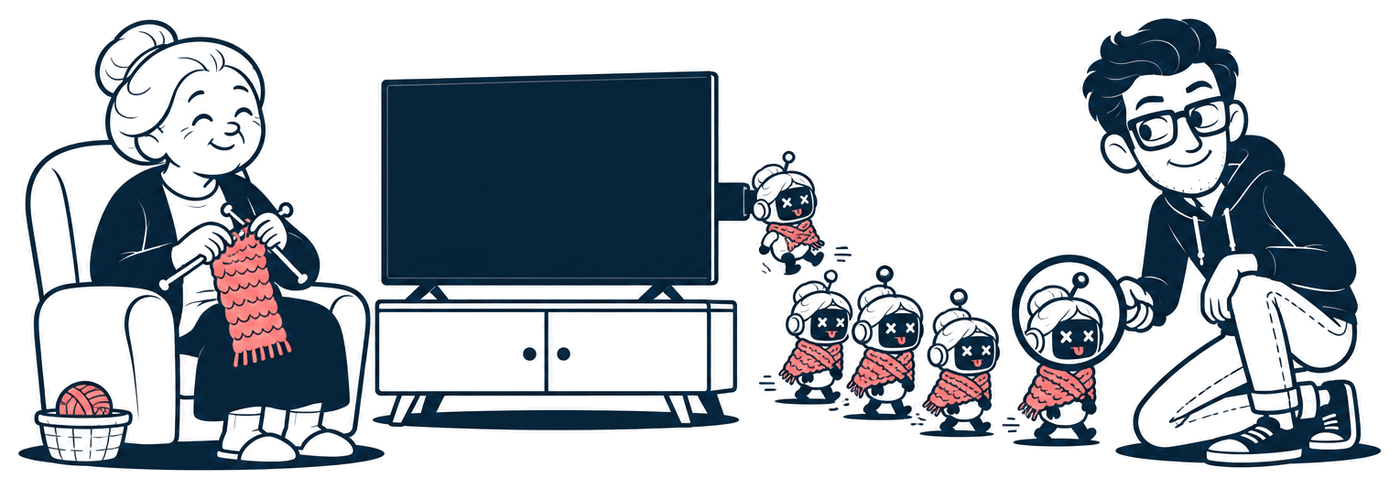
- IP addresses are the weakest signal. Most of the bad traffic comes through residential proxies: real home internet connections, rented out by the minute, often from devices that were hacked to do it. It's a bad actor one minute and your grandma's TV box 15 minutes later. Block it and you block her.
- Emails are a better signal, but easy to beat at scale.
- Phone numbers cost about $0.05 each to check, and a text message code costs about the same to send. That's fine for a hundred sign-ups. It's not for a hundred thousand, and the codes can be beaten anyway.
And CAPTCHAs? Mostly solved, by machines and by people paid to solve them.
Rung three: fingerprint the browser
Eventually you land on fingerprinting: a bit of JavaScript on the page that measures the browser itself (the screen, the fonts, the graphics card and a hundred other tiny quirks) and turns it into an ID.
This is the good stuff. Fingerprinting the client is key. But it can't do the job by itself, because a sophisticated Puppeteer setup (a script driving a real Chrome) can forge fingerprints, and do it at scale.
Rung four: bring in the model
This is where Jev comes in, or any other classification model. You hand it a sign-up and it hands back a score for each question you ask: is this a real person? A real company? Do they work there? Will they send spam?
In Jesse's screenshot, one sign-up scored 0.28 for "real person" and 0.74 for "real company". That's a genuinely useful way to look at a sign-up. A model like Jev can catch a lot of spam and fraud, quickly and cheaply, and it'll notice things a list of rules never would.
But here's the problem: a filter you can test against is a filter you can train against.
Every sign-up a bot sends is a free go at your filter. Got in? Do more of that. Got blocked? Change one thing (the name, the company, the email domain, the IP, the fingerprint, the time of day) and try again. Sooner or later, something scores high enough. Now they know what a high score looks like.
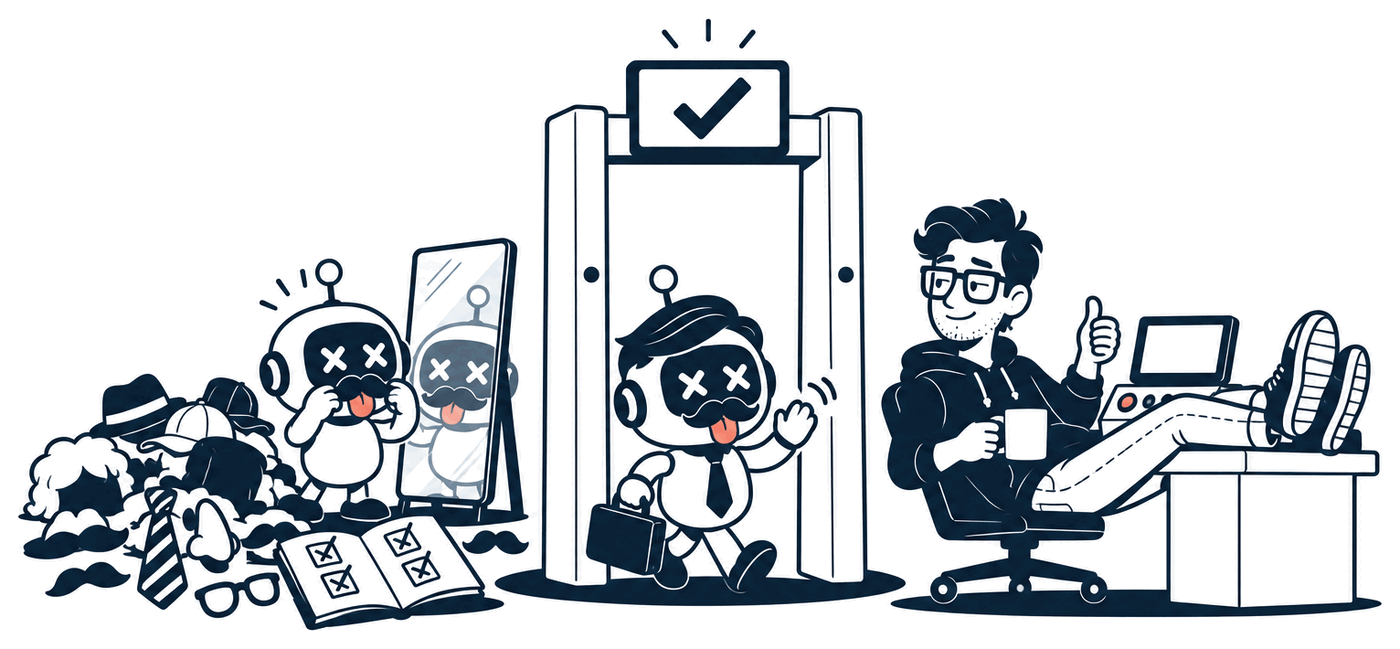
The model judges what it's shown, and the attacker decides what it's shown. They have more patience than you do. It's only a matter of time before they tweak one of the things above until they get past all of your filters.
And if you do manage to block every bot, you're left with the human farms: rooms full of real people paid to sign up by hand. Ask a model "is this a real person?" and the honest answer is yes.
You can pray. But even Jev won't save you.
What about Cloudflare?
Cloudflare is great, and for most sites it works really well. I have it on some of mine.
But unless you pay for their advanced bot protection (around $5k a month), the bad actors still get through. And if you're offering something of value, they have more time than you have energy and money to fight them.
So what can you do?
If you only onboard businesses, the mailbox check up top is most of the answer, and you barely need the rest. For everyone who takes free email, this isn't a post with a clean one. At least, not yet.
Every rung above helps. Each one makes the next attempt a little more expensive. None of them ends it, because there is no end. There's only cost, on both sides, and the casualties you're willing to take.
So I'll leave you with the one rule I keep coming back to:
Make your treasure cost more to attack than your competitors', and more to attack than it costs you to defend.
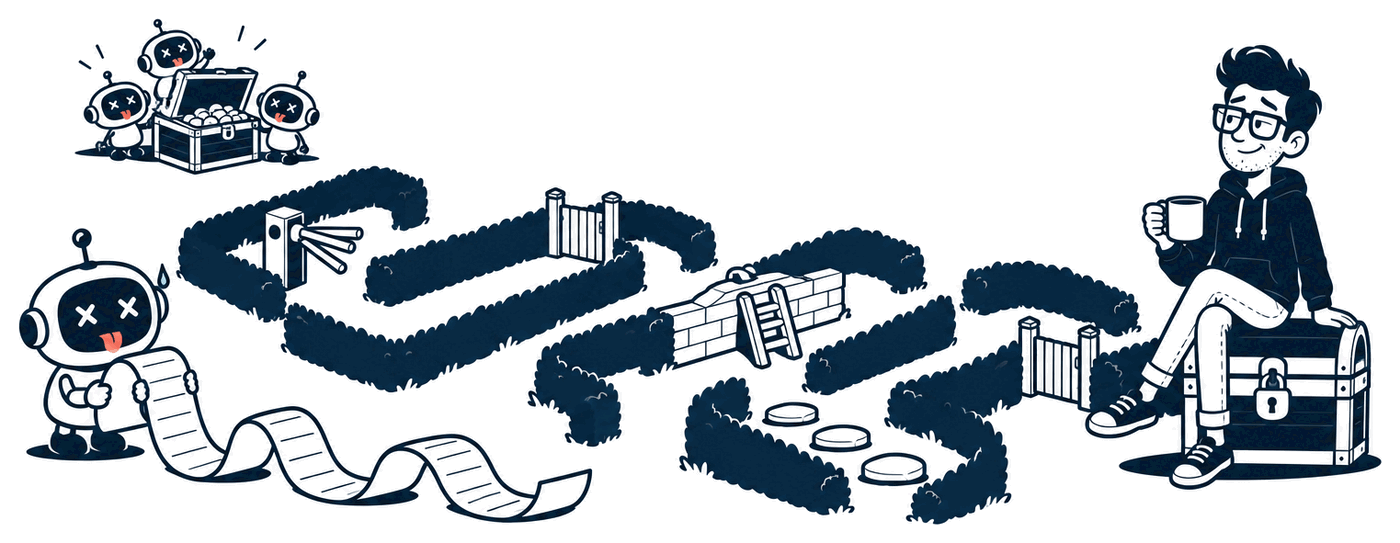
You won't make the bots go away. You can make them decide you're not worth it.
So what do you do to fight abuse? If you want to hear what I do, find me on X at @MrNiceTry and send me a DM.