
· 9 min read
How I plan to add 1,900 more websites to the Edge
Moving about 1,900 live sites onto the Mr. Nice Try Edge without touching anyone's DNS, using a load balancer, a dial, a staging server and a lot of checklists.
Right now the Mr. Nice Try Edge watches the front door of about 1,679 websites. It sees every request, tags the bots, and that's where the daily reports come from.
There are about 1,900 more websites I'd like behind it. They're live, people visit them every day, and they currently sit behind a different server. Moving them sounds simple: point them at the Edge.
The catch is that I don't own their DNS, and I'd like to move them without anyone noticing anything at all.
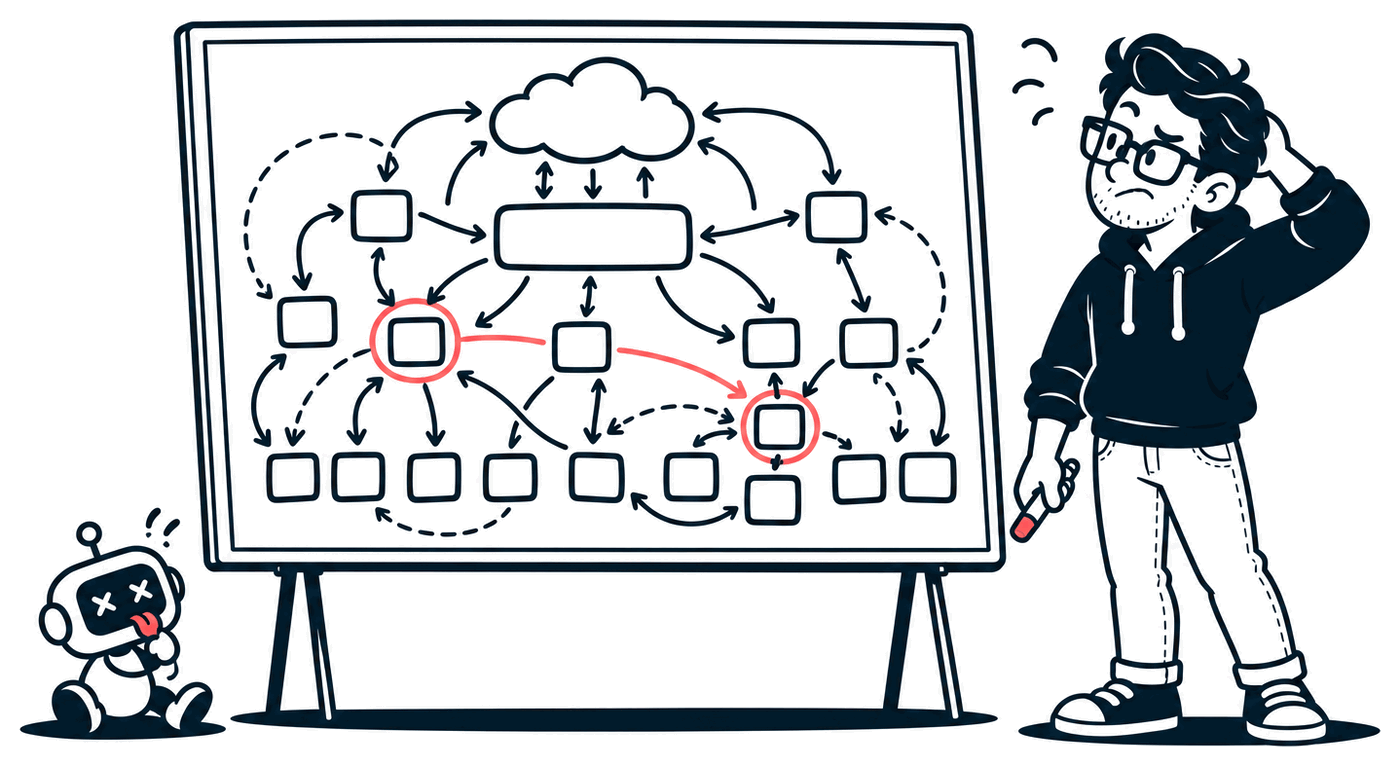
Here's the plan. Some of the prep work is already done and running. The big switch hasn't happened yet, and this is the part where I write it down before I touch production.
First, what's "the Edge"?
When you visit a website, your browser doesn't usually talk straight to the app. It talks to something in front of it first: a reverse proxy. The proxy handles the HTTPS certificate (the padlock), then passes your request along to the real app behind it.
If you've deployed on Vercel, Netlify or Cloudflare, you've used one without thinking about it. Their "edge" is a big fleet of reverse proxies.
The Mr. Nice Try Edge is my version of that, plus a bot detector. Because every request passes through it, it can see who's knocking, what they're asking for, and whether they're a bot pretending to be Chrome.
Why not just change the DNS?
DNS is the internet's phone book. A site's DNS record says "this domain lives at this address." The normal way to move a site to a new server is to change that address.
For 1,900 sites, that's a bad idea:
- The records aren't mine. They belong to the sites' owners. That's 1,900 small favours to ask.
- It's slow. DNS answers get cached around the world for minutes to hours (the record's TTL, or "time to live"). Some visitors land on the new server, some on the old one, and you don't control which.
- Undo is just as slow. If something breaks, changing it back takes just as long to spread. That's the part I really don't like.
The thing that makes this easy
Luckily, I don't need to modify the domains. I just need to modify the appliance they're already pointed at: a load balancer.
A load balancer is like a receptionist. Visitors walk up to the front desk, and the receptionist decides which room to send them to. The visitors only ever know the front desk's address.
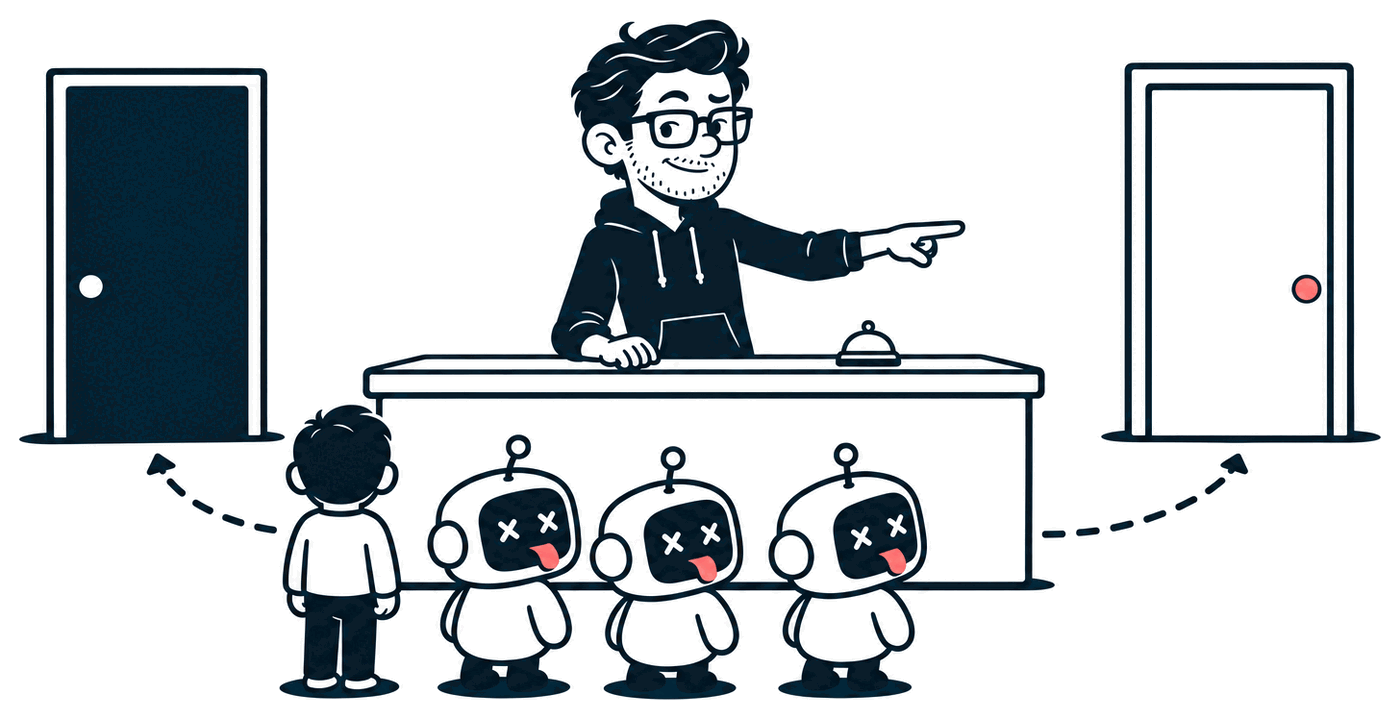
So instead of changing 1,900 addresses, I give the receptionist new instructions.
Blue-green, explained
This pattern has a name: a blue-green deployment.
- Blue is what's live today: the old server.
- Green is the new thing: two fresh Edge machines.
Both run side by side. You test green while blue does the real work, then you move traffic over.
Most load balancers can split traffic by weight. Instead of flipping a switch, I get a dial:
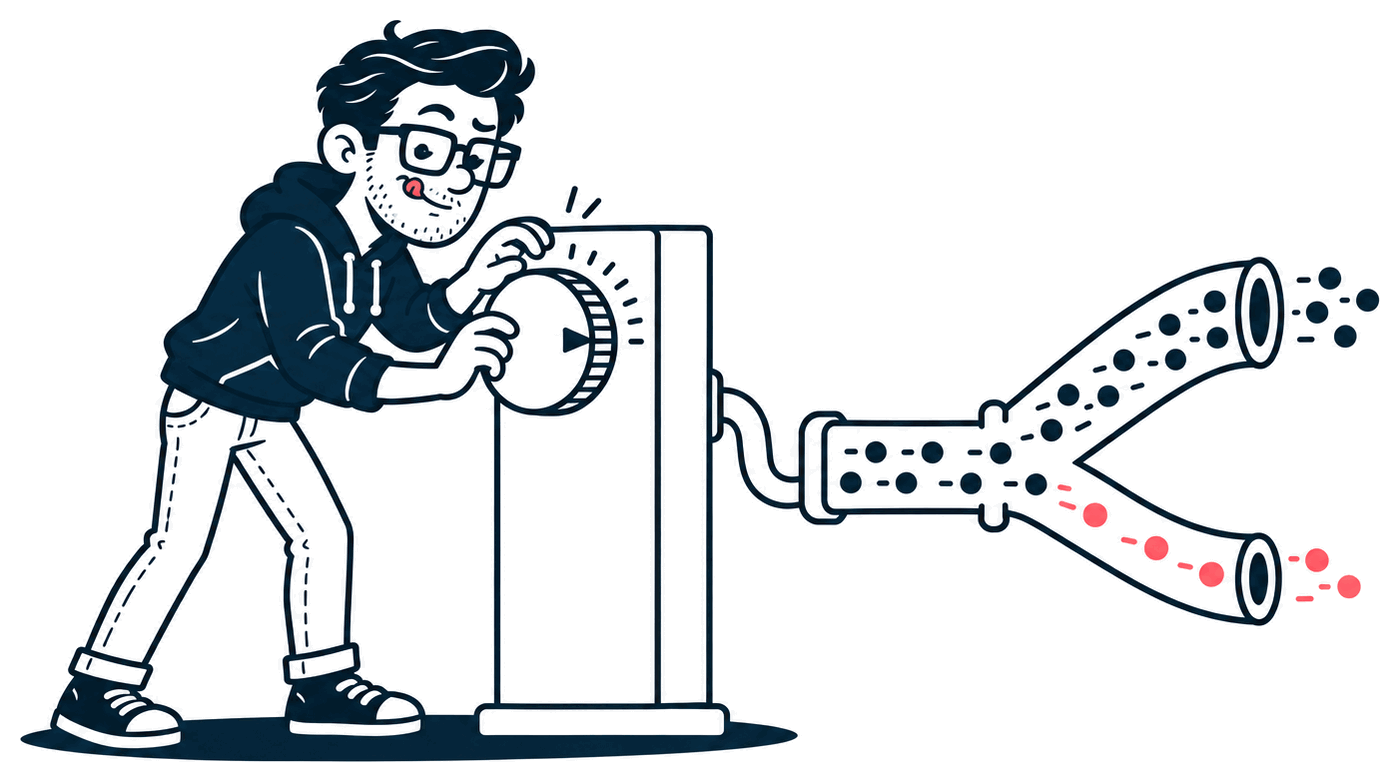
| Stage | Blue | Green | How long |
|---|---|---|---|
| 0 | 100% | 0% | Until green is healthy |
| 1 | 95% | 5% | A day |
| 2 | 75% | 25% | A day |
| 3 | 50% | 50% | 1–2 days, including a weekday peak |
| 4 | 0% | 100% | A week, with blue still on standby |
Two details make this safe:
- Weight changes only apply to new connections. Anyone mid-visit finishes where they started.
- Stickiness is on, so a visitor who lands on green keeps landing on green. Nobody bounces between two servers.
And rolling back is turning the dial back to blue. It takes seconds, with no DNS caches to wait out. Blue stays untouched the whole time, so "back" really means back.
Before the dial moves at all
The dial is the easy part. Most of the work is getting green ready, so here's my checklist.
1. A health check that actually checks something
Load balancers keep asking each server "are you OK?" and stop sending traffic to any that don't answer. That's a health check.
Right now, when you ask the Edge that question, you get a redirect, and a redirect counts as "healthy." It's a smoke detector that says "all good" because its battery works. The Edge could be completely broken for HTTPS and still pass.
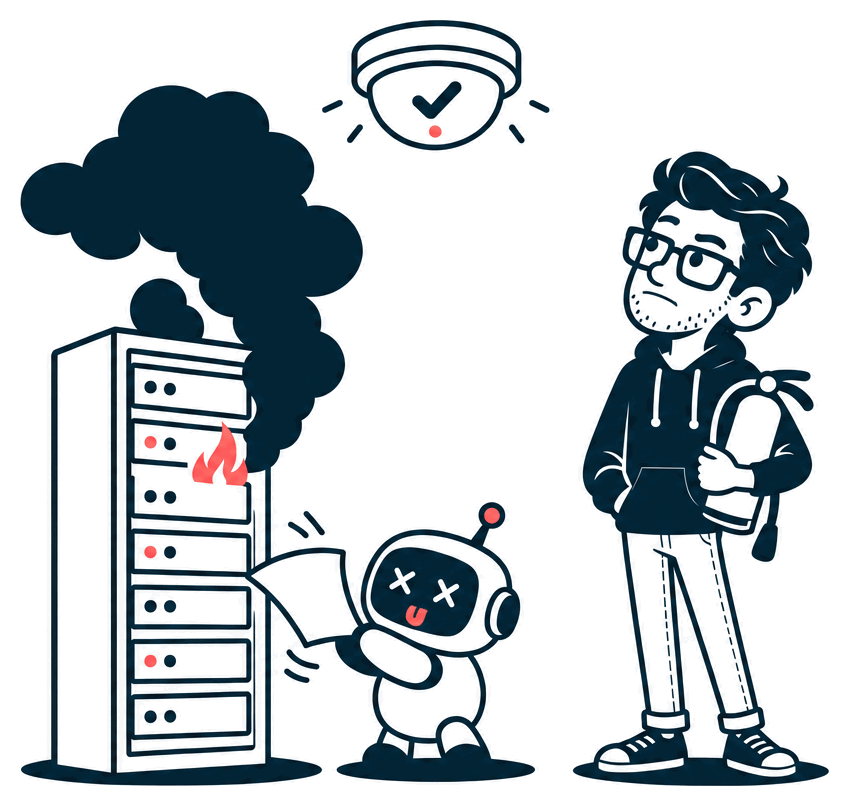
So step one is a real /health endpoint, answered only for the load balancer. Later I'd like a better one that only says OK once the Edge has loaded its list of sites.
2. Two bigger machines
Blue is a plain proxy. Green does more work for every request: bot detection, fingerprinting the encryption handshake, and shipping a log line for every hit.
At peak, these sites open about 65 new HTTPS connections a second. Staging runs on a small server that can only sprint in short bursts, and that kind of load would run it out of sprint. Production gets two bigger, steadier machines.
Each one also gets its own fixed IP address. Visitors never see it, but the apps behind these sites do, and they already rate-limit by address. I'd rather that address be stable and known before the move than surprise anyone on day one.
3. Say yes to every site blue serves
When a request arrives for a site the Edge has never seen, it has to ask "is this one of ours?" before it'll get a certificate or route anything. That's fine for one site and slow for 1,900 at once.
So I'll pre-warm it: walk the full list of hostnames, ask the Edge to recognise each one ahead of time, and do it slowly so the sites' own servers don't feel it. Anything that comes back unrecognised is a site that would break on day one.
Then I compare blue and green side by side, for every site, without touching DNS. curl can pretend a domain lives at a specific address:
curl --resolve "example.com:443:BLUE_ADDRESS"  https://example.com/
curl --resolve "example.com:443:GREEN_ADDRESS" https://example.com/
Run that in a loop over every hostname, keep only the lines where the status code or redirect differs, and you have a to-do list. It's one of my favourite tricks for testing a new server before anyone's pointed at it.
4. Match the old server, quirks and all
I finally got a look at the old server's config, and it's refreshingly boring: one catch-all rule for every site, no hand-written surprises. But "boring" still hides a few things green has to copy exactly:
- The site's name, in two headers. The app behind these sites works out which site you asked for from a header. The old server sends that name in one header and the Edge sent it in another. Now each group of sites can list as many as it needs, so green sends both.
- HSTS. That's a response header telling your browser "for the next year, only ever talk to me over HTTPS." Quietly dropping it during a move would make the sites a little less safe, and nobody would notice. Green sets it now.
- Caching for images, CSS and JavaScript. The old server tells browsers to keep images for a day and stylesheets and scripts for a week. Without that, every visit re-downloads everything and the sites get slower.
- Compression. The old server gzips responses, so green does too.
The lesson I keep relearning: copy behaviour, not config. Read the config to know where to look, then compare real requests to see what actually happens.
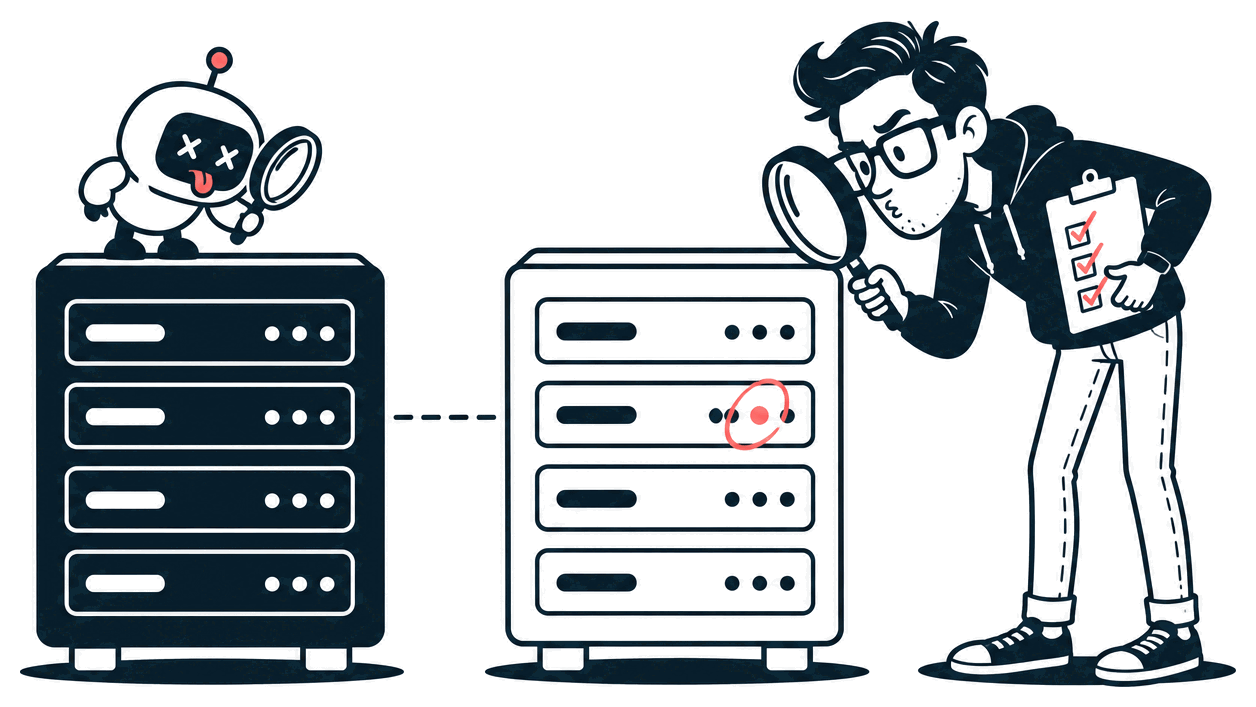
All of this is built and already running on staging. It switches on for these sites with one settings change.
5. Make room for the logs
Every request through the Edge becomes a row in a database. That's how I can tell you things like "43% of yesterday's traffic was bots."
These sites will add roughly 600,000 to 800,000 rows a day. Nothing deletes old rows today, so before stage 3 I'll add a cleanup job: either delete old rows or roll them up into daily totals. I'll also watch that the importer (it runs once a minute) keeps up.
If you've ever had a side project fall over because a log table quietly grew to 40 GB: same lesson, earlier.
6. Watch, don't block
The Edge can block bots, challenge them, or just watch. For the whole move, these sites stay in watch mode. The only thing visitors should notice is nothing at all. Blocking gets turned on later, one group of sites at a time, once green has been boring for a week.
The part I already got lucky on
HTTPS certificates are the scariest bit of moving thousands of sites. If the new server doesn't have a valid certificate for a site, visitors get a big red browser warning.
A few days ago the Edge and the old server started sharing one certificate store. So green already holds every certificate blue does, about 5,400 of them. Locks stop the two servers renewing the same certificate twice.
One subtle catch: when a certificate renews, the certificate authority checks over plain HTTP, and that check can land on either server. Thanks to the shared store, either one can answer it. To keep it that way, the HTTP and HTTPS dials always move together.
What I don't know yet
Writing in public means admitting the gaps:
- Rate limits. The apps behind these sites already throttle a lot of traffic. If they throttle based on which proxy a request came through, switching proxies changes who gets throttled. I want to know exactly what they key on before stage 1.
- A new dependency. Blue only needs the sites' own servers. Green also needs my app, to approve brand-new sites. If my app is down, existing sites keep working from what the Edge already knows, but a brand-new site can't get a certificate until it's back. Today the Edge only remembers that list in memory, so I'm also saving it to disk. That way a machine that restarts during an outage still knows its sites.
If you're building your own thing
Even if you never move 1,900 sites, a few of these are worth stealing:
- Put a stable front door in front of your app. A load balancer or a proxy means you can change everything behind it without touching DNS.
- Have a staging that gets real traffic. Forgiving traffic, but real. Fake traffic only finds the bugs you already thought of.
- Ship what you tested. Build once, then promote that exact build. "I rebuilt it for production" is how surprises get in.
- Make rollback one step. If undoing a change takes longer than making it, you'll hesitate to make it.
- Move traffic in percentages, not all at once. 5% of traffic finds most of the bugs at 5% of the blast radius.
- Make health checks test the real thing. "The server responds" isn't the same as "the site works."
- Watch before you enforce. Turn on the new thing in observe-only mode first, then the strict mode.
I'll post how each stage goes, including the parts that break. If you want to follow along, I'm @MrNiceTry on X.