
· 11 min read
Reboot and patch your Linux kernel with zero downtime.
A 9.8 landed in the Linux kernel's TCP code this week, and the only fix is a new kernel and a reboot. Here's how I rebooted the servers in front of a few thousand websites without a visitor noticing, what a load balancer actually does, and the three IP addresses you have to keep straight to pull it off.
On Thursday morning my feed was full of klaxons. A use-after-free in the Linux kernel's TCP code, CVSS 9.8, remote, no login needed. "Time to patch!"
The Edge, the proxy I run in front of a few thousand websites, is two Linux servers. Both had the bug. One of them hadn't rebooted in 26 days.
By lunchtime both were on a fixed kernel, and not one visitor to those sites saw an error page. Here's what the bug is, how a load balancer makes a reboot invisible, and the three IP addresses you have to keep straight to do it.

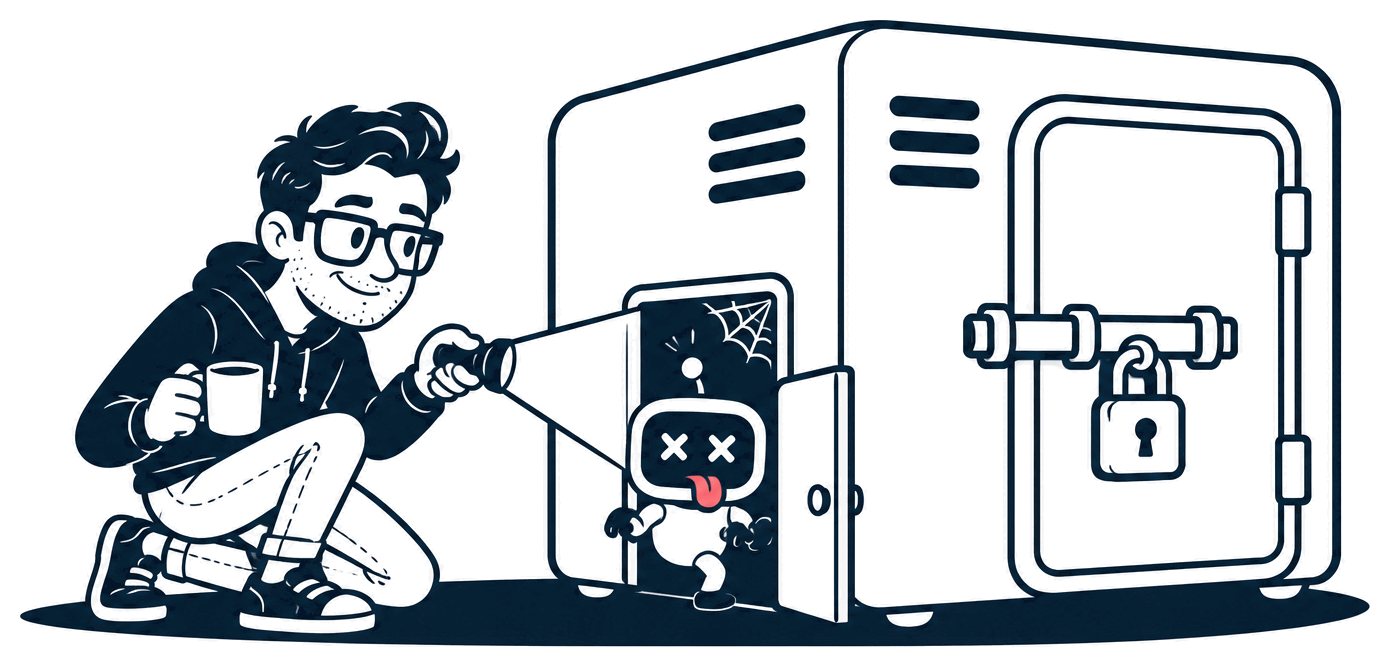
What the bug is
Your app runs on top of a web server. The web server runs on top of Linux. And the bottom layer of Linux, the part that owns the network card and the disk, is the kernel.
When a browser connects to your site, the kernel does the TCP handshake before your web server, your app or any login sees a single byte. That's where CVE-2026-98432 lives.
In plain terms: when a connection request arrives, the kernel keeps a small note about it (the "IP options" that came with the request). Two CPU cores can work on the same new connection at once, one finishing the handshake and one handling a resent copy of the request. One core can throw the note away while the other is still reading it. Reading memory that's already been freed is a use-after-free, and the usual outcome is a crash. The less usual one is that the attacker arranges what's in that memory, and a crash becomes their code running inside the kernel, which is to say as root.
| Claim | Where it comes from | Status |
|---|---|---|
| CVSS 9.8, Critical | Ubuntu, Red Hat | Confirmed |
| Remote, no login, no user interaction | The CVSS vector (AV:N/AC:L/PR:N/UI:N) |
Confirmed |
| Crashes the machine | Red Hat: "system crash (denial of service), with potential memory corruption" | Confirmed |
| Remote root | Anthropic's research post: Claude wrote an exploit that runs commands as root on a server with an MPTCP listener, with no credentials, in 48 minutes to leak a kernel pointer and five more to reach a shell | Demonstrated in their lab. No attacks reported in the wild as I write |
| IPv4 only | Ubuntu and Debian: IPv6 isn't affected by this one | Confirmed |
| Here since Linux 4.4 (2016) | Write-ups | Unverified by me |
| No mitigation | Red Hat: none meets their criteria | Confirmed |
You'll also see people calling the 9.8 fearmongering, on the grounds that the race is hard to win and a crash is the likely outcome. Red Hat's own page scored it 9.8 when I looked, and its description does put the crash first and "potential memory corruption" second. Anthropic's answer to "hard to win" is that a lost race only fails one handshake, so an attacker can retry for as long as they like. Pick whichever number you prefer. Both of them end in a reboot.
Three things matter for you:
- It's not a bug in your app. Nothing in your code can stop it, and neither can a WAF. The handshake happens before HTTP exists.
- Every Linux box with a public IPv4 address is in scope until it's running a fixed kernel: your VPS, your Docker host, your Kubernetes nodes.
- The fix is a kernel, and kernels need a reboot.
The only fix is a reboot
apt upgrade or dnf upgrade writes a new kernel to disk. The kernel that's running keeps running, bug included, until you reboot into the new one. Live patching exists (Canonical's Livepatch, Red Hat's kpatch), but check that your vendor says it covers this CVE before you count on it.
Where the fixed kernels stood when I checked on Thursday, October 30:
| Distro | Status | Fixed kernel |
|---|---|---|
| Debian 12 (bookworm) | Fixed | 6.1.190-1 (DLA-4841-1) |
| Debian 13 (trixie) | Fixed | 6.12.113-1 (DSA-6568-1) |
Amazon Linux 2023, kernel6.18 |
Fixed on October 24 | 6.18.56-125.164 (ALAS2023-2026-3251) |
| Ubuntu 22.04 and 24.04 | Vulnerable, fix in progress | Not released yet (5.15.0-203.213 and 6.8.0-149.149 are the targets) |
| Red Hat | No product table I could find | Check their page |
If you're on Ubuntu, you're waiting. Check that page every morning and patch the day it lands.
The whole job, on one server:
uname -r                       # what you're running now

# Debian / Ubuntu
sudo apt update && sudo apt upgrade -y

# Amazon Linux 2023 (its repo is pinned to a release; this pulls the current one)
sudo dnf --releasever=latest upgrade kernel6.18

sudo reboot

uname -r                       # must show the fixed version
Check the version after the reboot, not before. "Installed" and "running" are different things, and only the second one counts.
A reboot takes a minute, give or take. For a single server with DNS pointing straight at it, that's a minute of nobody getting an answer. If that's your setup, pick the quietest hour you have and take the minute. It beats the alternative.
My setup: a load balancer and a fleet of one
The Edge's production server has about 3,500 websites pointed at it. Their DNS doesn't point at my server, though. It points at a load balancer, and my server sits behind that.
I've called a load balancer a receptionist before: visitors walk up to the front desk, and the receptionist decides which room to send them to. The visitors only ever know the desk's address.
Mine is an AWS Network Load Balancer, an NLB, and for this job the details matter, so here's what it actually does.
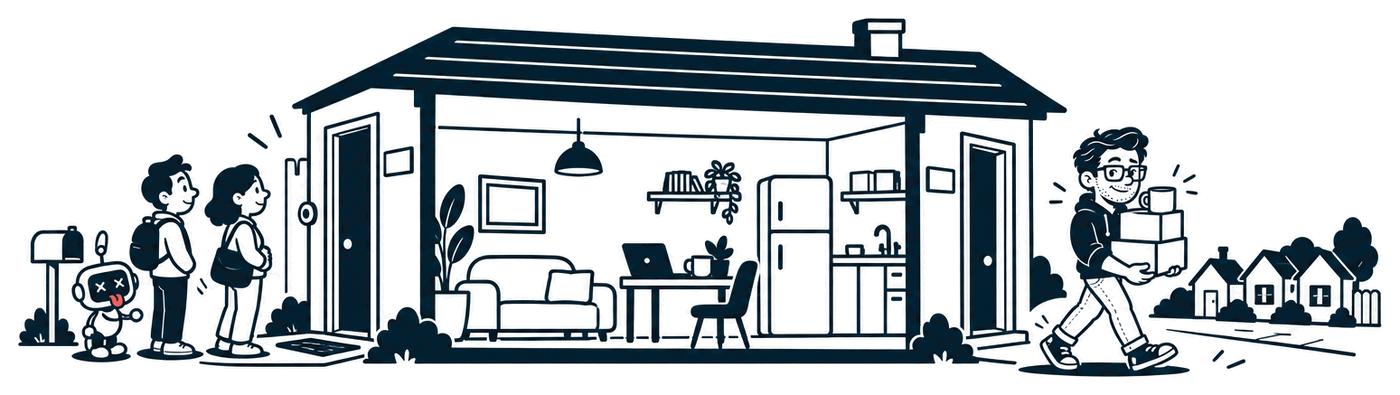
It has a fixed public address. That's the address in every site's DNS. It never changes, no matter what I do behind it.
It works at the connection level, not the page level. An NLB doesn't read HTTP. When a browser opens a connection to port 443, the balancer picks a server and hands the whole connection over, byte for byte. The browser's encrypted session is with my server, not with the balancer, and the balancer can't see inside it. It also keeps the visitor's real IP address on the connection, so my server knows who's knocking.
Each port has a list of servers behind it, a target group. Mine has one server in it. A fleet of one. The balancer doesn't mind.
It checks on them. Every few seconds it asks each server a small question. A server that stops answering gets no new connections.
You can add and remove servers at any time. Add one, and once it passes the checks, it starts getting connections. Remove one, and it goes into draining: no new connections, and the ones already open get a grace period to finish. Mine is set to 30 seconds.
That last point is the whole trick. The balancer is the one fixed thing. Everything behind it is replaceable, at any time, with nobody's DNS involved. Without it, "reboot" means "down". With it, "reboot" means "swap".
If you run one server and you've been putting this off: a small load balancer costs about as much as a cheap VPS, and it's the single thing that turns every future reboot, resize and rebuild into a non-event.
The three addresses
This is where people get lost, including me on Thursday. A server behind a load balancer has three addresses, and they do three different jobs.
1. The load balancer's public address. The one in DNS. Visitors connect here and nowhere else. It never changes.
2. The server's private address. Something like 10.0.0.5 (a made-up one), inside my cloud network. This is where the balancer forwards the connections. Nothing outside the network can reach it. Each new server gets its own.
3. The server's own public address. On AWS this is an Elastic IP: a public address you rent, which you can attach to any machine you like and move between machines. Visitors never connect to it. It's the address the server uses when it talks out: when it fetches updates, when I SSH in, and, for the Edge, every request it forwards to the apps behind it. Those apps see this address as the source of every request.
The third one is the sneaky one. It's easy to forget it exists, because nothing in DNS points at it. But it's the address other systems see you from, so it's the one that ends up in somebody's allowlist, and it's the one that bites you when you replace the box.
The swap, step by step
I did the whole thing on the staging server first, then on production. Here's production.
1. Take a picture of the live server. The cloud can snapshot a running machine's disk into an image without rebooting it. The server kept serving while it happened.
2. Launch a twin from the picture. Same network, same firewall rules, same permissions, same SSH key. It boots as an exact copy, with its own private address and a brand-new public one.
3. Patch the twin, then reboot the twin. Nobody's connected to it, so the reboot costs nothing. uname -r showed the fixed kernel.
4. Prove it's the same server. I checksummed the proxy binary, its config and the log shipper's config on both machines: identical, byte for byte. Then I sent the same requests to both, straight to their addresses with curl --resolve, for eight of the busiest sites. Same status codes, same sizes.
5. Add the twin to the load balancer. About 30 seconds later it passed the health checks and started taking real connections alongside the original. In its first three minutes it answered about 1,250 requests with no errors of its own.
6. Remove the original. The balancer put it into draining and kept it there for about 100 seconds. Then it was out.
7. The gotcha: open connections don't move. Two minutes after draining ended, the old server still had 32 connections open and had answered 49 requests in the last minute. Browsers keep connections open and reuse them, and an NLB never cuts a connection that's already running. (There's a setting to make it; mine is off, on purpose.) So I stopped the web server on the old box. It closed its connections cleanly, and the next request from each of those browsers opened a new connection, which the balancer sent to the twin.
8. Stop the old server. Don't delete it. It's switched off, with its disk intact. If the twin turns out to be wrong in some way I haven't found yet, rollback is: start the old one, add it back, remove the twin. A couple of minutes. I'll delete it in a week.

Through all of that, the address in DNS didn't change, and no visitor opened a connection that nobody answered. That's what zero downtime means here: not "it was quick", but "there was never a moment with nothing listening".
The checklist
uname -r, then compare it with your distro's page for CVE-2026-98432.- Patch and reboot, then
uname -ragain. Only the running kernel counts. ss -Mlnt. If your listeners saymptcp, you're in the setup the exploit was written for. Switching it off helps; patching fixes it.- One server, no balancer: pick the quiet hour and take the minute. Then put a load balancer in front, so this is the last time.
- Behind a balancer: snapshot, launch a twin, patch the twin, reboot the twin, check it, add it, remove the old one, stop (don't delete) the old one.
- Open connections don't move. After draining, stop the old web server so browsers reconnect to the new one.
- Don't move a public address onto a serving machine. Give the twin its own, and know who sees that address.
- Check for security updates every morning, so you hear about the next one from your package manager and not from a tweet.
If you've got a kernel reboot of your own coming up and a question about it, I'm @MrNiceTry on X.
Sources: Anthropic's Discovering and exploiting vulnerabilities in critical, real-world software with Claude (October 27); Ubuntu's CVE-2026-98432 page; Debian's security tracker; Amazon Linux advisory ALAS2023-2026-3251; Red Hat's CVE page; the Go 1.24 release notes on MPTCP; Ben Grewell on Go and Caddy; the kernel's CVE announcement list.